User Guide
How Progress Report works
Assess. Train. Improve. Here's the whole journey — from your first report card to a training plan built around your game.
Watch the walkthrough
Overview
~25 sec
How to use it
~34 sec
Advanced features
~33 sec
- STEP 1
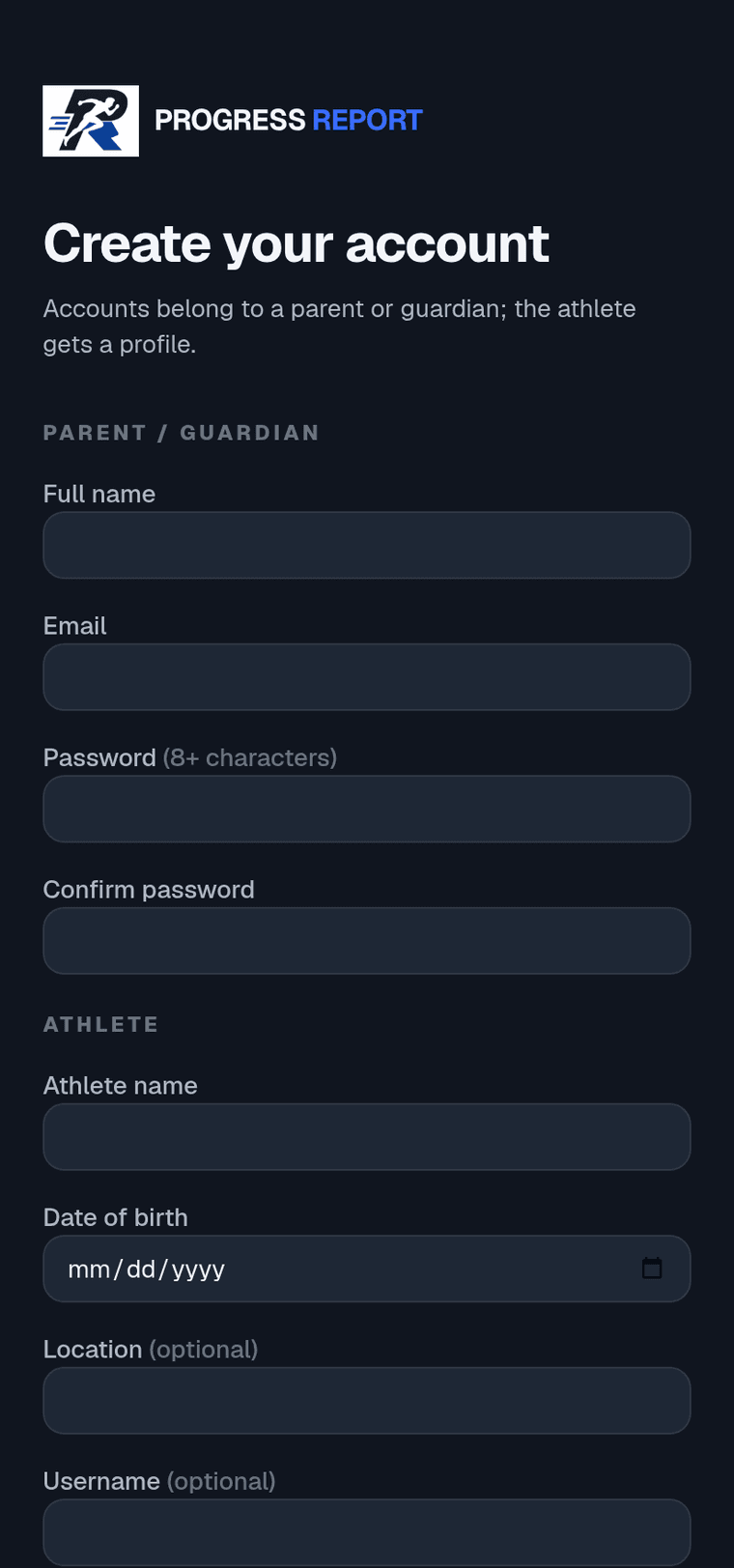
Create your account
Sign up as the parent or guardian, then add your athlete (name + date of birth). One account can hold more than one kid — add each from your dashboard.
Built for athletes age 10 and up.
- STEP 2
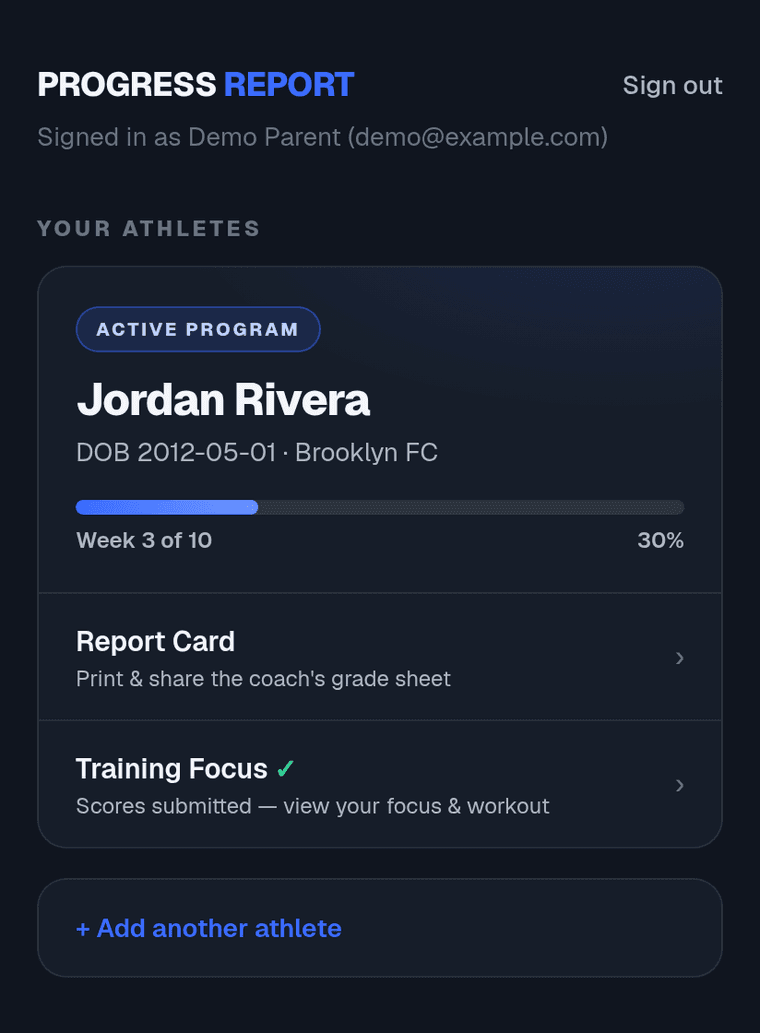
Start a report cycle
A one-time $20 unlocks everything for one athlete: the printable report card, score entry, and a 70-day training program.
- STEP 3
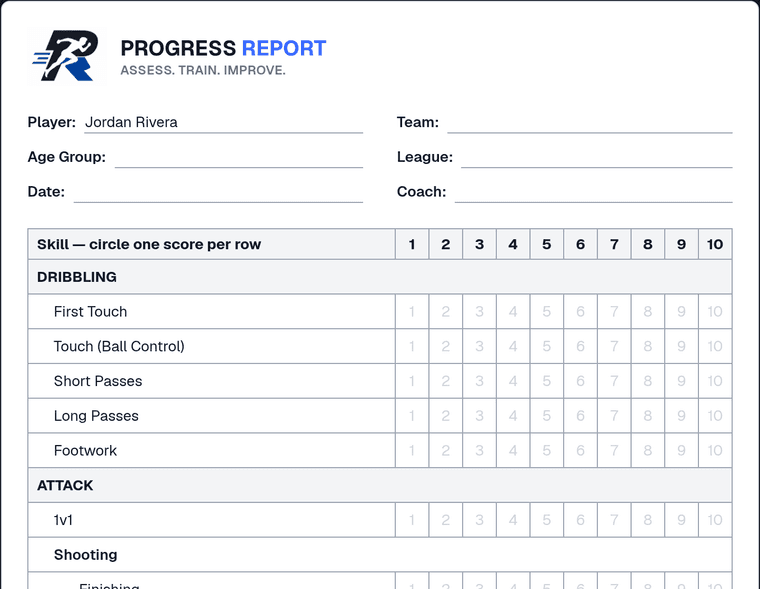
Print the report card
From your dashboard, open the report card and print it (or save it as a PDF and print at home). It prints on two clean pages (every skill, with room to write), on purpose.
On iPhone, tap “Allow” if Safari asks about printing.
- STEP 4
Get it graded by your coach
Hand the sheet to your coach and ask for an honest, on-paper assessment — a 1–10 on each skill, judged for the athlete's age group. Asking face-to-face is part of the training.
- STEP 5
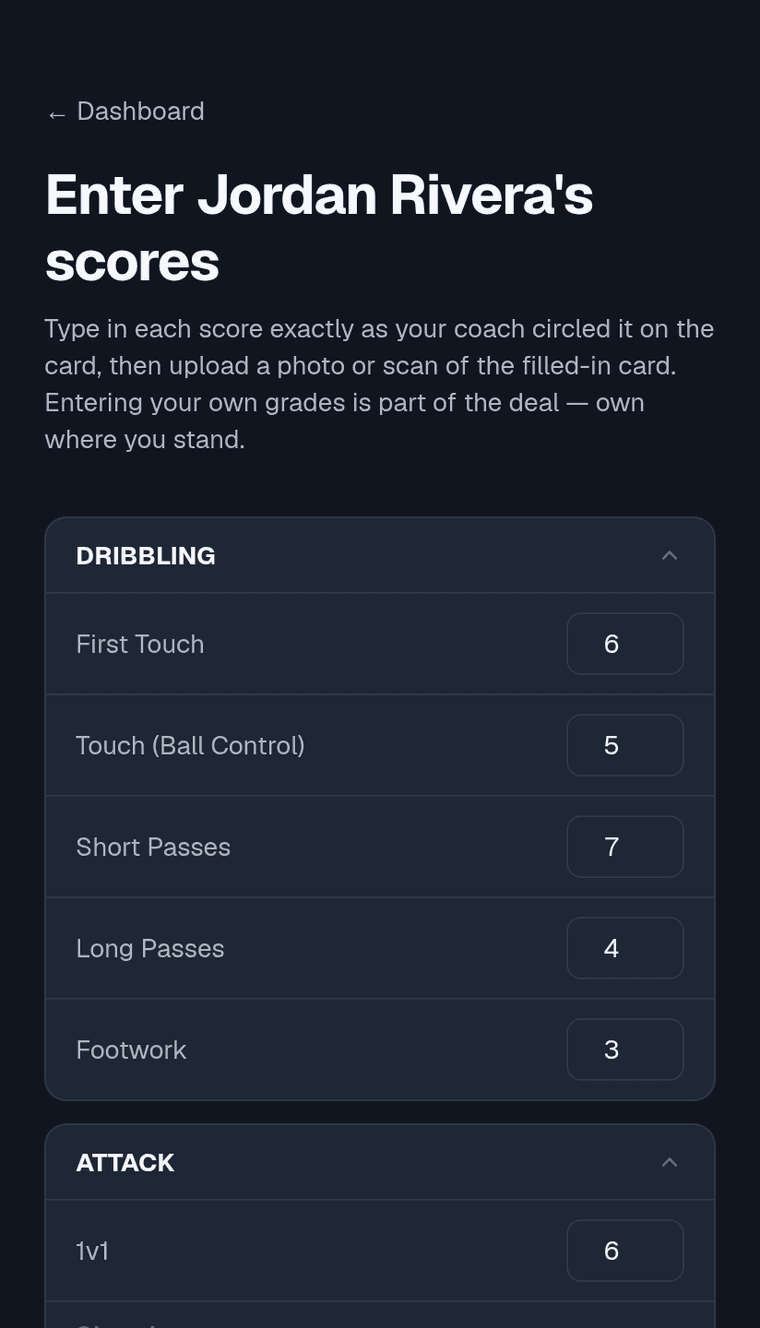
Enter the scores & upload the card
Type each score into the app exactly as the coach circled it, then upload a photo or scan of the filled-in card. Owning your numbers is the whole point.
- STEP 6
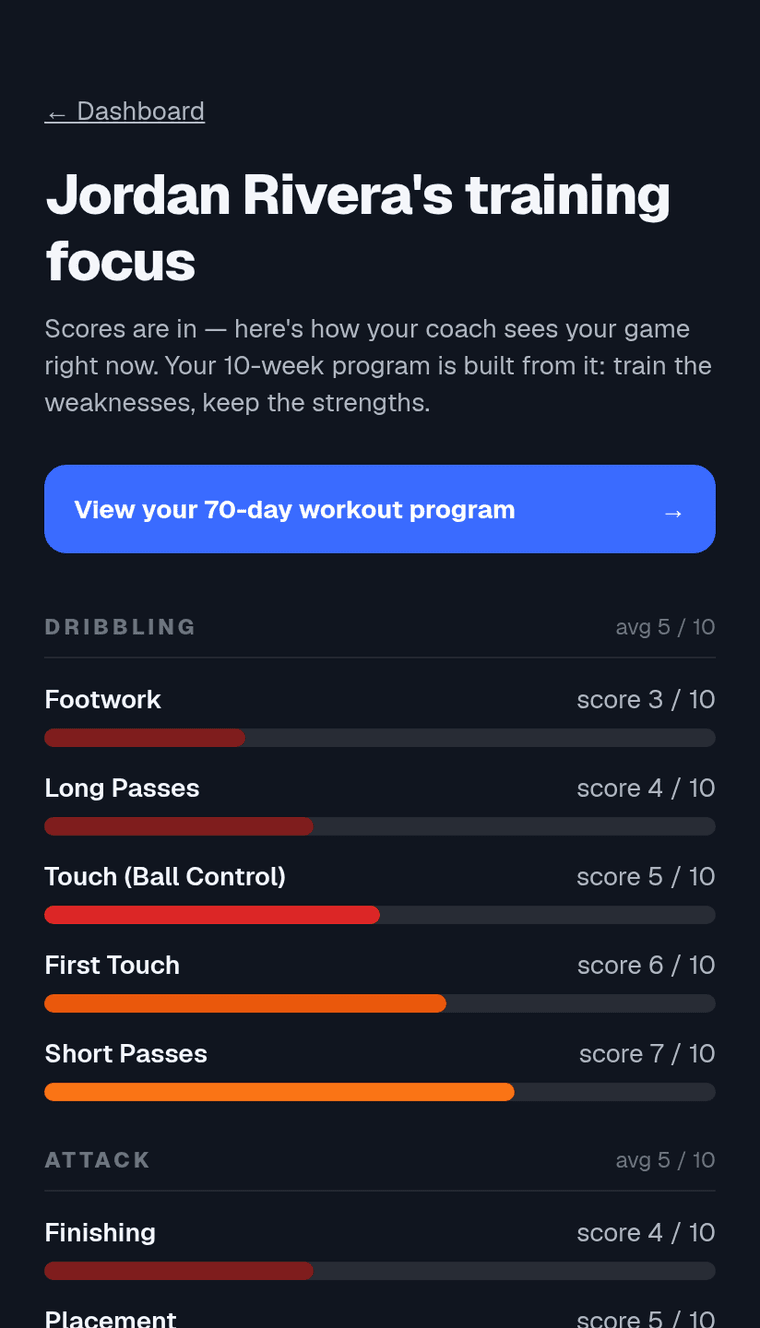
See your training focus
Instantly see where you stand — every skill, weakest first. That breakdown is what builds your program.
- STEP 7
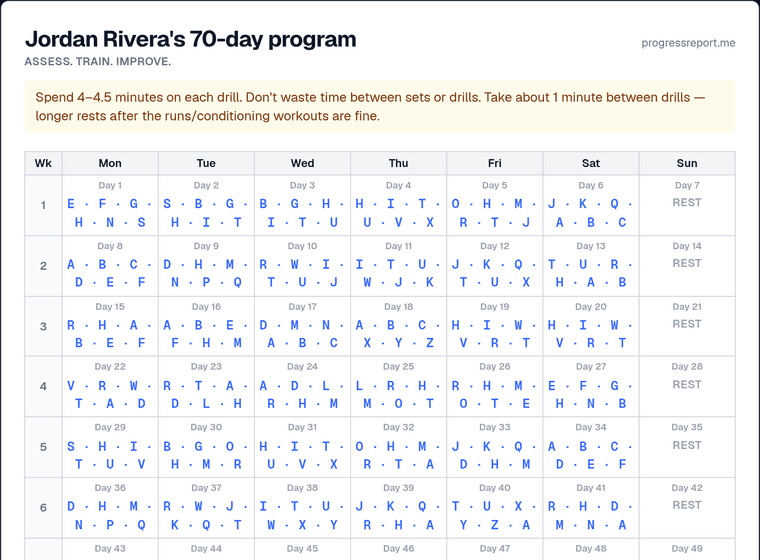
Train your 70-day program
Your day-by-day plan is weighted toward your weakest areas, so every day works on what actually needs work. Print the calendar, follow the drills (A–Z), and check the key for what each one is. It's emailed to you too.
Hard running/conditioning workouts are spaced out, and most drills have a no-partner option.
- STEP 8
Re-assess & keep improving
Near the end of your 10 weeks we'll remind you. Start a fresh cycle to re-grade, measure how far you've come, and get an updated program.
Why a paper card?
The report card is a printout by design. Asking your coach for honest feedback, facing it, and entering your own scores teaches the part of sports too many kids miss — owning where you are so you can take responsibility for where you're going.
Stuck on something? Use Report a Bug and we'll help.